
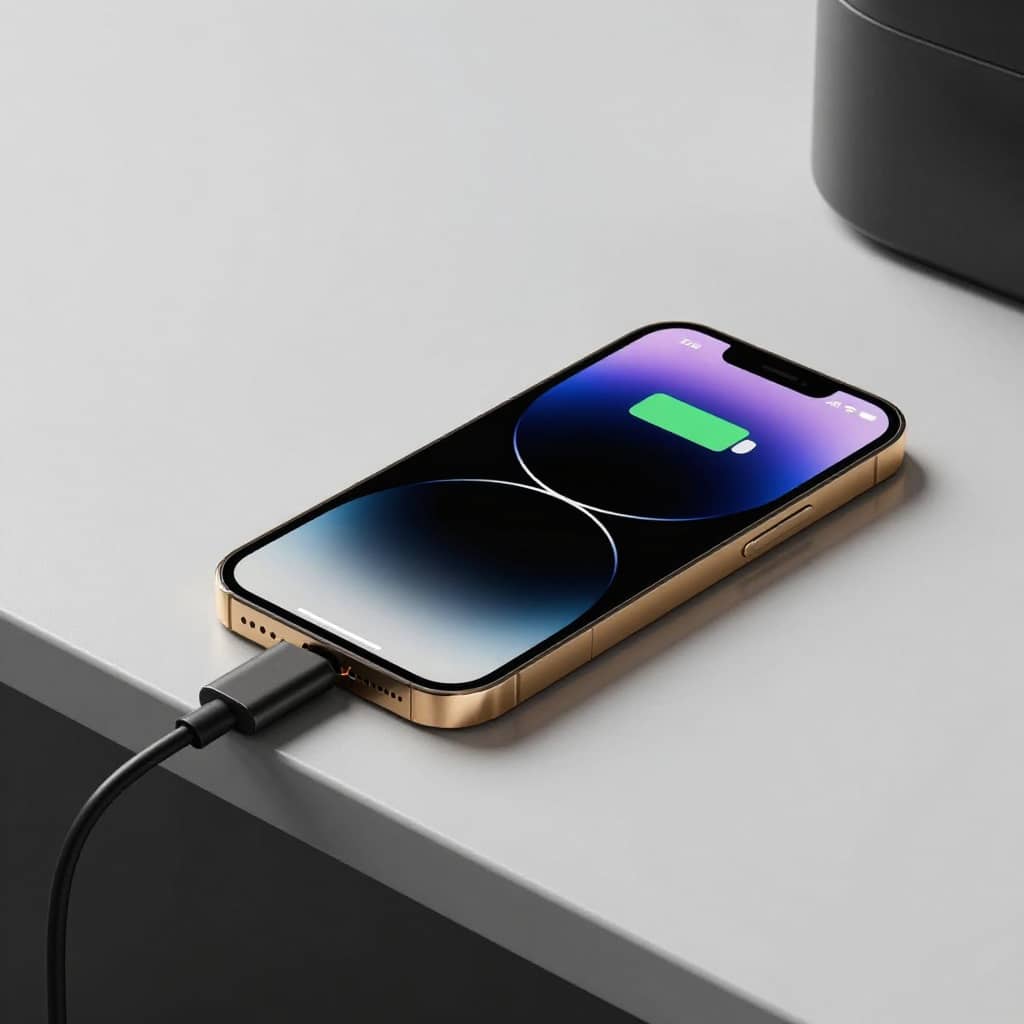
Battery health has become one of the biggest concerns for iPhone users across the United States and Canada Whether you use your phone for work travel gaming or daily communication poor battery health can slowly turn a premium device into a frustrating experience
Many battery performance issues are accelerated by heat charging habits and background activity rather than normal battery aging alone
In this guide we’ll explain the most effective ways to improve iPhone battery health in 2026 using practical settings and real world charging habits that actually help over time
Before changing any settings it’s important to check your current battery condition
Go to
Settings → Battery → Battery Health & Charging
Here you’ll see
Maximum Capacity
Peak Performance Capability
Charging optimization settings
Once battery health drops below 80% many users may begin noticing reduced performance or shorter battery life and battery replacement may become worth considering
Why iPhone Battery Health Drops Over Time
- Several factors can reduce battery lifespan faster than normal
- Excessive heat during charging
- Cheap or low quality chargers
- Constant fast charging
- High screen brightness
- Heavy background app activity
- Poor cellular signal
- Gaming while charging
- Using the phone overnight under a pillow or blanket
- Lithium-ion batteries naturally degrade over time but the goal is to slow the process as much as possible
Enable Optimized Battery Charging
This is one of the most important iPhone battery settings
Optimized Battery Charging learns your daily charging routine and delays charging above 80% until you actually need it This reduces battery stress during overnight charging
To enable it
Settings → Battery → Battery Health & Charging → Optimized Battery Charging
For most users this feature alone can noticeably slow long term battery degradation
Avoid Cheap Fast Chargers
Uncertified or poor quality chargers may create excess heat unstable voltage and inconsistent charging performance
- Always choose:
- certified USB-C chargers
- trusted brands
- quality charging cables
- Reliable brands include:
- Anker
- Belkin
- UGREEN
- Apple
Reduce Background App Refresh
Many apps continue updating in the background even when you are not actively using them This constantly drains power and increases unnecessary battery cycles
Go to
Settings → General → Background App Refresh
- Turn it off for:
- shopping apps
- social media apps
- unused services
- Keep it enabled only for essential apps like:
- messaging
- navigation
Stop Your iPhone from Overheating
Heat damages battery health faster than almost anything else
Common causes include
- gaming while charging
- leaving the phone in direct sunlight
- wireless charging for long periods
- using GPS continuously
- charging inside thick phone cases
If your iPhone feels unusually warm
- remove the case temporarily
- stop charging
- lower screen brightness
- close heavy apps
Use Wi-Fi Instead of Weak Cellular Signals
When signal strength is weak your iPhone constantly increases power usage trying to maintain a stable connection to nearby towers
This happens frequently
- inside large buildings
- underground parking areas
- rural highways
- crowded public events
Whenever possible
- connect to Wi-Fi
- enable Wi-Fi Calling
- avoid forcing 5G in weak coverage areas
Lower Screen Brightness
The display is one of the biggest sources of battery consumption on modern iPhones
Instead of keeping brightness at maximum all day
- use Auto-Brightness
- reduce brightness indoors
- enable Dark Mode at night
These small adjustments reduce heat and preserve battery cycles over time
Turn Off Unnecessary Location Services
Many apps track your location continuously even when there’s no real need
Go to
Settings → Privacy & Security → Location Services
Set unnecessary apps to
Never or
While Using the App
Apps like weather maps and ride sharing services may still require access but many others do not
Don’t Leave Your iPhone Charging All Day
Modern iPhones manage charging intelligently but constantly keeping the device plugged in at 100% still creates long term stress on the battery
Avoid keeping your iPhone at 100% charge for long periods whenever possible
You do not need to obsess over percentages but avoiding constant full charging helps preserve long-term battery health
Update iOS Regularly
Apple frequently releases battery optimization improvements through iOS updates
New updates often fix
overheating bugs
battery drain issues
background activity problems
charging inconsistencies
Keeping your device updated can improve both performance and efficiency
Use High Quality Charging Cables
Damaged or low quality cables can cause
inconsistent charging
overheating
slower charging speeds
Look for
braided cables
USB-C PD support
MFi certification
Cheap cables may save money initially but can reduce charging stability over time
Quick Battery Health Checklist
- Enable Optimized Battery Charging
- Avoid overheating
- Use trusted chargers and cables
- Reduce unnecessary background activity
- Lower brightness when possible
- Use Wi-Fi in weak signal areas
- Keep iOS updated
- Avoid gaming while charging
- Don’t leave the phone charging all day
- Use quality USB-C accessories
Frequently Asked Questions
Is fast charging bad for iPhone battery health?
Not necessarily Modern iPhones are designed for fast charging but excessive heat from poor quality chargers can reduce battery lifespan over time
What battery health percentage is considered bad?
Most users begin noticing battery performance issues once maximum capacity falls below 80%
Should I charge my iPhone overnight?
Yes especially with Optimized Battery Charging enabled However using a high quality charger is important
Final Verdict
Improving iPhone battery health is not about a single magic setting It comes down to consistent habits reduced heat quality charging accessories and smarter power management
Most users can significantly slow battery degradation simply by adjusting a few settings and avoiding low quality charging equipment
If you rely on your iPhone every day protecting battery health now can extend the lifespan of your device for years
Leave a Reply